


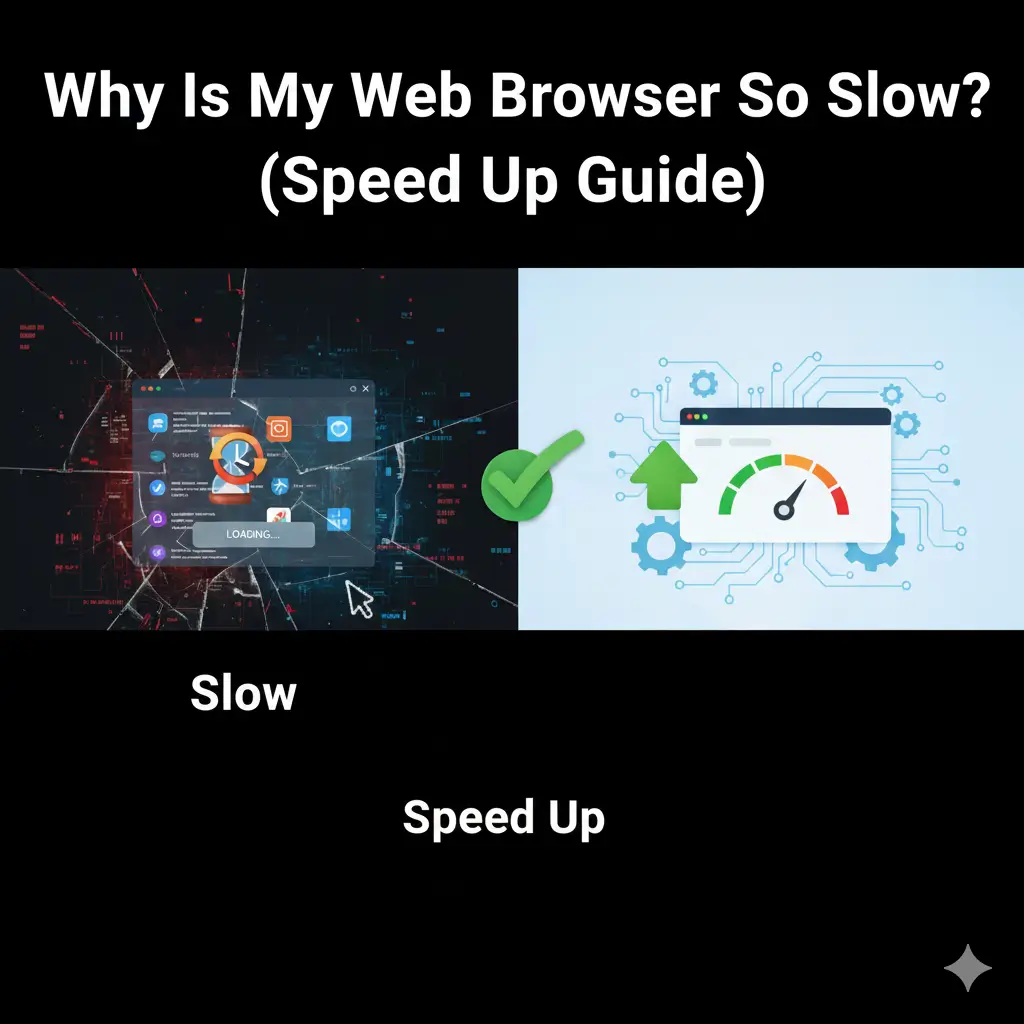
“In the present web setting, it is quite annoying to have a ‘slow’ web browser.” Whether for home business, working, or simply surfing the Web, it makes no difference: “Speed, in all cases, is of essence.” If it takes some time for web pages to load, videos buffer again and again, or there are various delayed responses to anything, then the question being asked is:
Why is my web browser so slow?
This is indeed one of the most regular issues faced by users in the UK. The bright side is that they can be resolved quickly once you know the real reason behind the issue. This full guide is where you can learn why your web browser may be running slowly, what the cause could be, and also learn how to optimize its speed.
Why Is My Web Browser So Slow? (Common Reasons)
If your browser used to work fine but has suddenly become slow, there is always a reason behind it. Let’s look at the most common causes affecting users in the UK.
1. Too Many Open Tabs
One of the biggest reasons people ask why is my web browser so slow is because they keep too many tabs open. Each open tab uses memory (RAM).
Result:
l Pages load slowly
l Browser freezes
l System becomes unresponsive
Fix:
Close tabs you are not using or bookmark them for later.
2. Browser Cache and Cookies Overload
These are stored by your browser for the purpose of assisting the website load quickly. But eventually, if these accumulate, they end up having the opposite effect.
If it has been a while since you’ve cleared the cache on your computer, your browser probably will be running slowly and erratically.
Signs:
l Websites don’t load properly
l Login problems
l Slow page refresh
Solution:
Clear browser cache and cookies regularly.
3. Too Many Browser Extensions
Extensions are useful, but too many of them can slow everything down.
Some extensions:
l Run in the background
l Track your activity
l Use system resources constantly
If you’re wondering why is my web browser so slow even with good internet, extensions could be the answer.
Tip:
Disable or remove extensions you don’t use.
4. Outdated Web Browser
Using an old version of your browser is another major cause of slow performance.
Outdated browsers:
l Have bugs
l Lack speed improvements
l Are less secure
Internet Issues vs Browser Issues (Know the Difference)
Quite often, it seems that the root cause of poor browser performance may lie in the connection of the browser to the internet.
Slow Internet Connection
If your internet speed is low:
l Pages load slowly
l Videos buffer
l Downloads take longer
Browser-Specific Problems
A slow browser speed, many links leading to other sites, and strange adverts could be an indication that your computer has been attacked by an illegal file.
Why Is My Web Browser So Slow on Windows or Mac?
Windows Users
Common reasons include:
l Low RAM
l Too many startup apps
l Old system updates
Mac Users
Mac browsers slow down due to:
l Heavy Safari cache
l iCloud sync issues
l Background apps
In both cases, system performance directly affects browser speed.
Malware and Adware Can Slow Your Browser
Since it is assumed that this problem occurs only with this particular internet browser and no similar problem exists with other browsers, as other browsers function perfectly, it can be stated that this is a problem with the internet browser.
Signs of infection:
l Random pop-ups
l New toolbars installed
l Homepage changed automatically
Why Is My Web Browser So Slow When Loading Websites?
l Heavy images
l Too many ads
l Poor website optimisation
How to Speed Up Your Web Browser (Step-by-Step Guide)
1. Clear Cache and Cookies
Benefits:
l Faster loading
l Fewer errors
l Better performance
2. Remove Unused Extensions
Keep only the extensions you truly need.
3. Update Your Browser
Latest versions are:
l Faster
l More secure
l Bug-free
4. Restart Your Browser and Device
A simple restart can:
l Clear memory
l Fix minor glitches
5. Use a Lightweight Browser
Some browsers are faster than others.
Popular fast browsers in the UK:
l Google Chrome
l Mozilla Firefox
l Microsoft Edge
Why Is My Web Browser So Slow on Mobile?
Mobile browsers can also slow down due to:
l Limited storage
l Too many open tabs
l Outdated apps
Fix:
l Clear app cache
l Update browser app
l Close background apps
Best Browser Speed Tips for UK Users
l Avoid free VPNs (they slow browsing)
l Use UK-based DNS servers
l Keep your system updated
l Avoid sketchy extensions
When Should You Reinstall Your Browser?
Reinstall if:
l Browser crashes often
l Settings won’t save
l Speed issues persist
Final Thoughts
True, a slow browser can result in wastage of time. However, the positive side of this problem is that since the problem is associated with speed, there is a solution available from the browsers once the cause of the problem is identified.
“So, well, now you have all the answers if you ever wondered at any point why my web browser is so slow.”
Frequently Asked Questions (FAQs)
Q1: Why is my web browser so slow even with fast internet?
It’s because of cached data, or possibly from the extension on your browser, or maybe from old browsers, but not from the Internet.
Q2: Does clearing cache really speed up my browser?
Yes. This will eliminate all unwanted data, which causes the slowdown effect.
Q3: Which browser is fastest in the UK?
Updated versions of Google Chrome Browser or even Microsoft Edge browser or Firefox browser are preferred.
Q4: Why is my web browser so slow after an update?
At times, an upgrade may involve changes in your extensions or conflicts with other extensions. Restart and Extensions Check.